
 Apex Commentator
Run your league broadcast
like a TV production.
A broadcast toolkit for iRacing leagues. It runs as a small app beside iRacing: a control panel in its own window, your browser or an OBS dock, plus on-stream graphics you add to OBS as sources. One person can call the race, switch cameras and drive the graphics.
Features
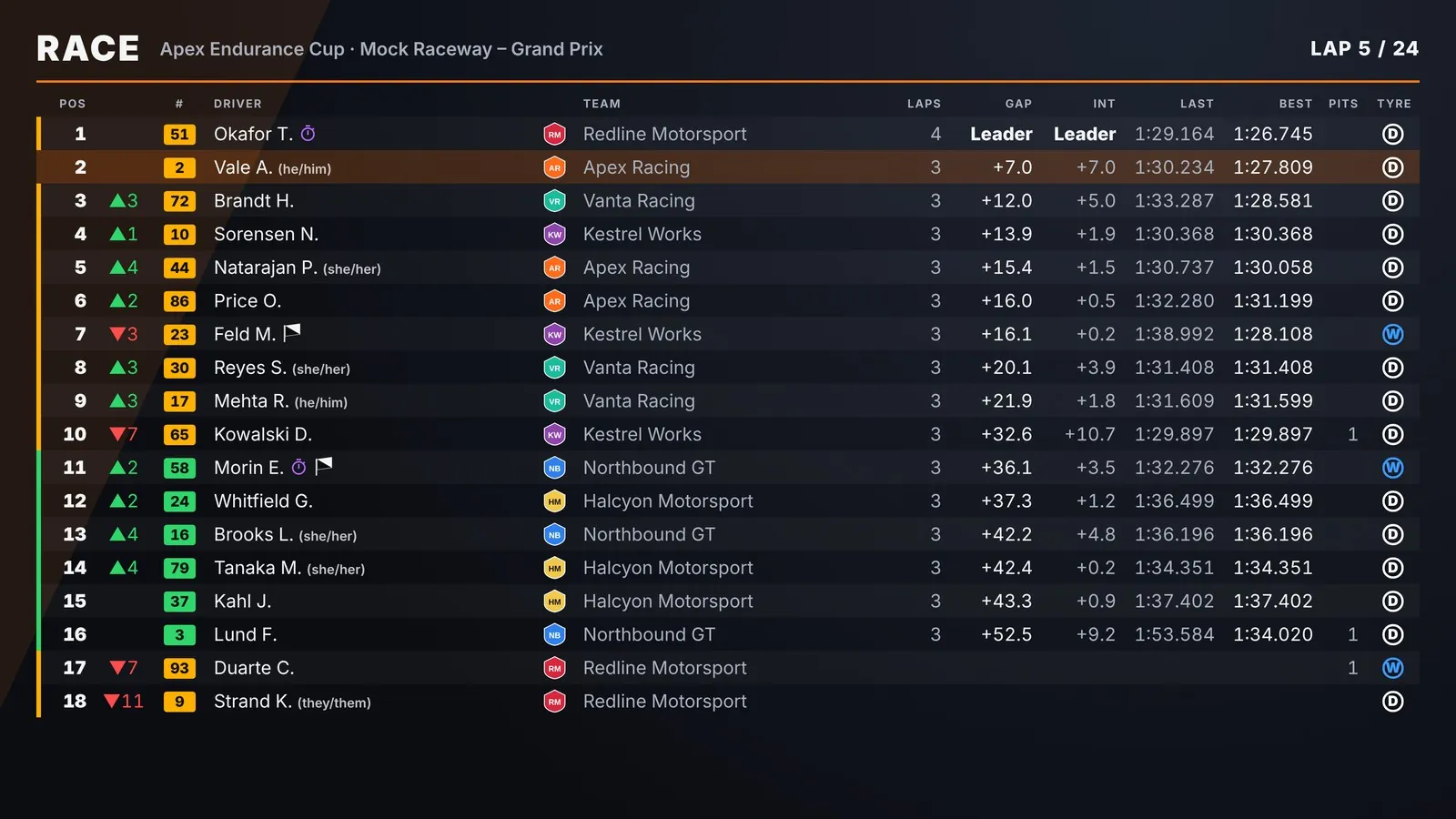
The timing screen
Live standings with battles highlighted, click any driver to cut to their camera, a race log with instant replay, and a hotkey camera bar.
Graphics that look the part
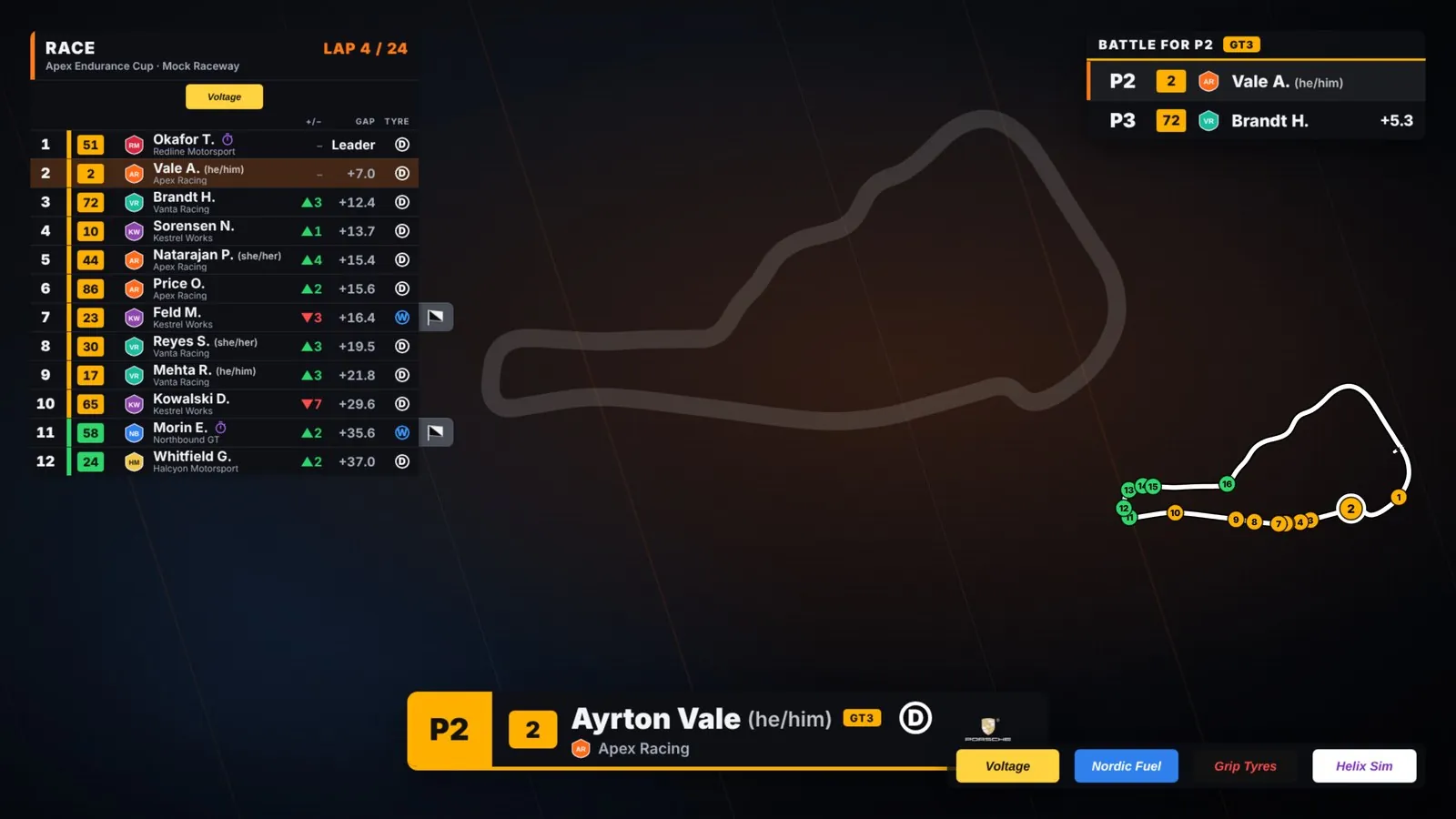
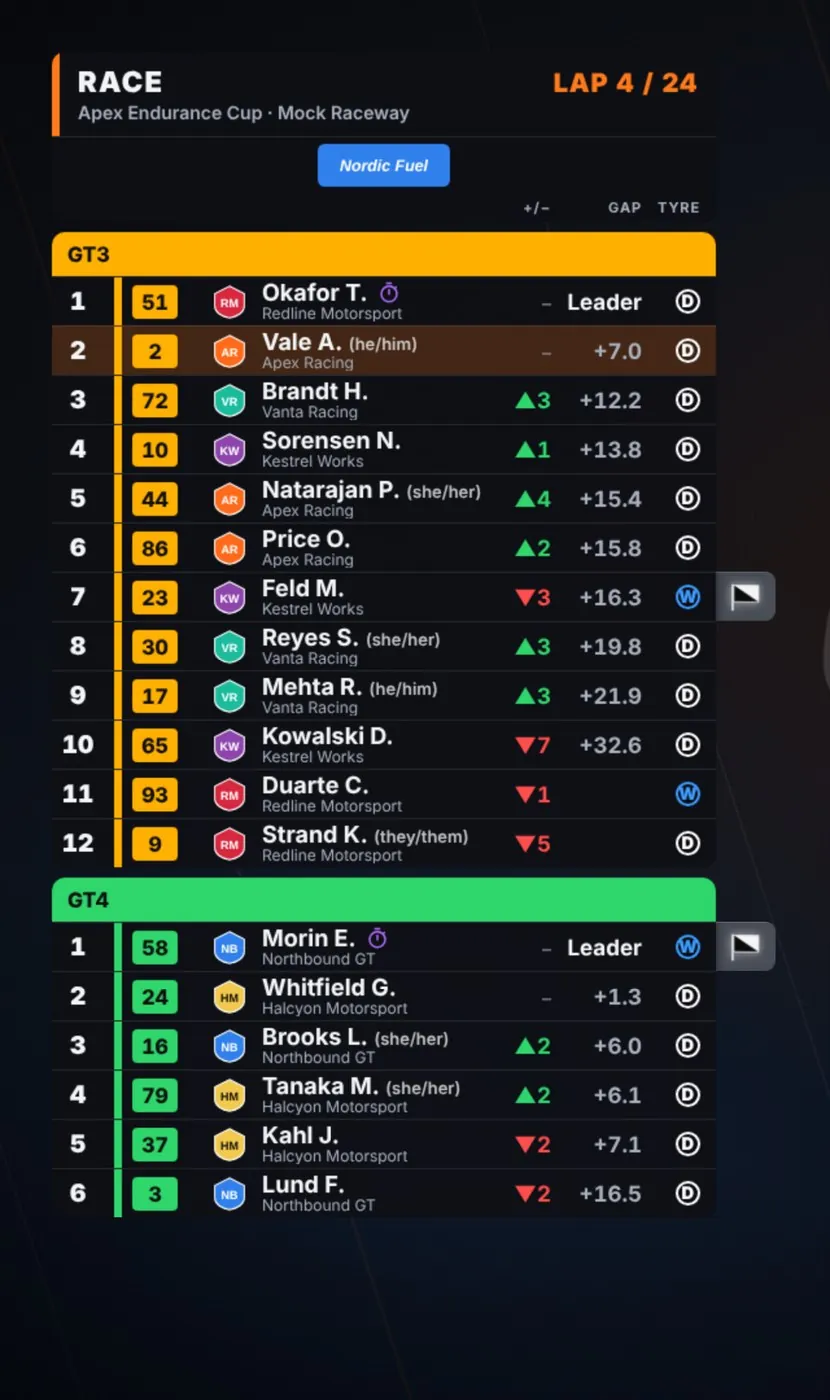
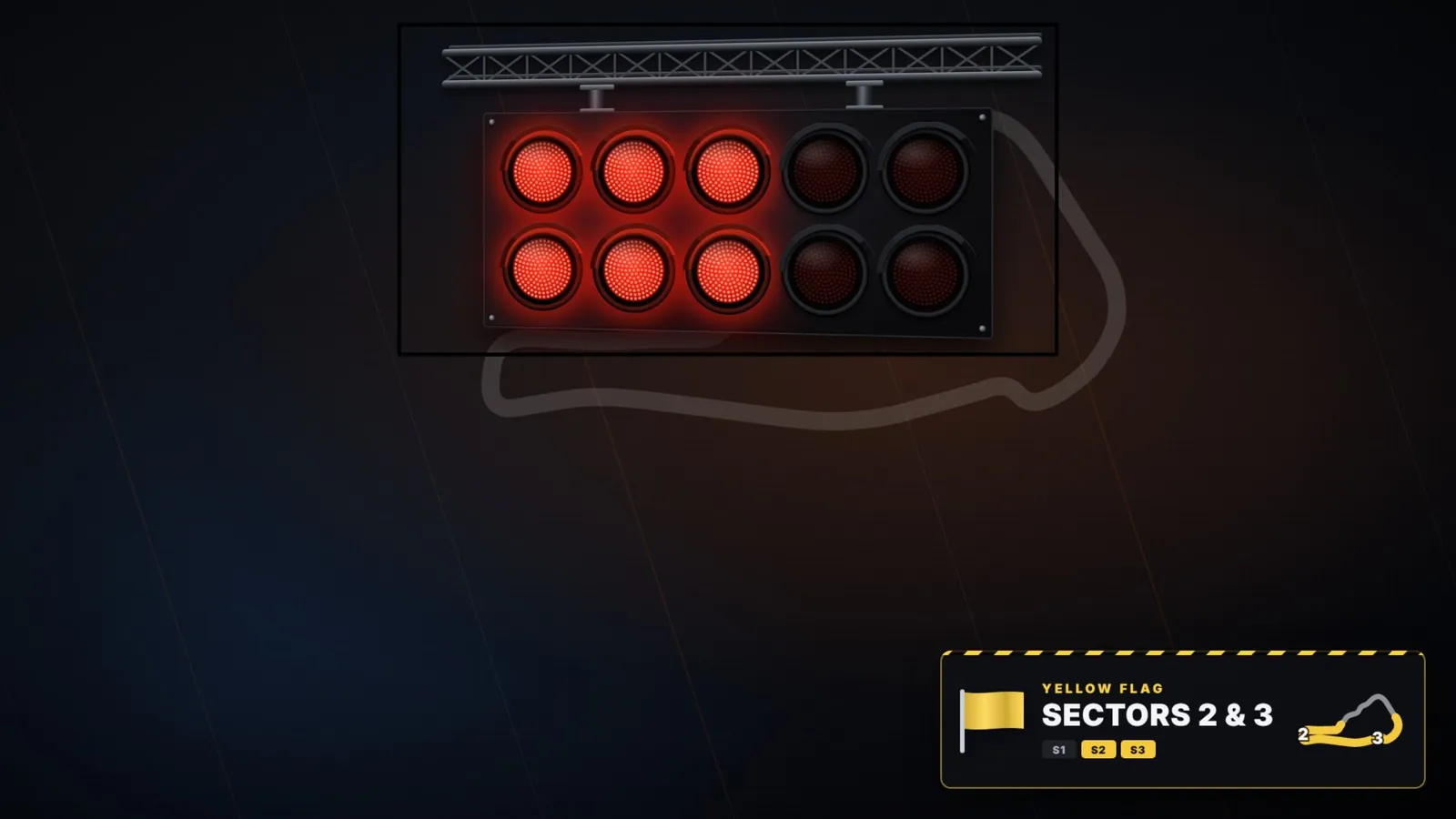
Timing tower, qualifying lap tracker, battle duel, driver cards, track map, flags, start lights, pit stops, strategy and sponsor slots.
Show or hide anything
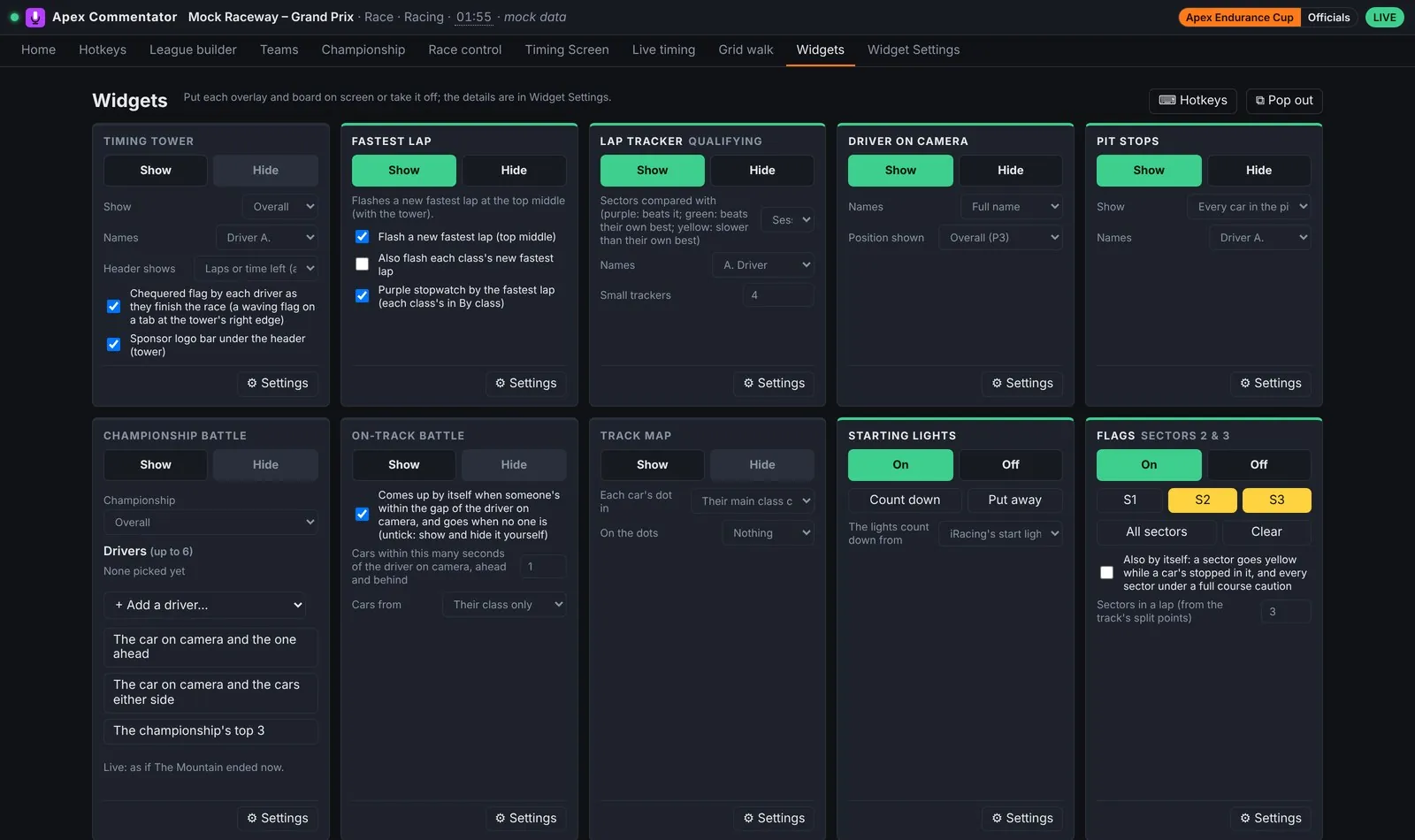
The widgets dashboard puts every graphic on one screen with a Show and Hide button, so one person can call the race and run the graphics.
Grid walk and boards
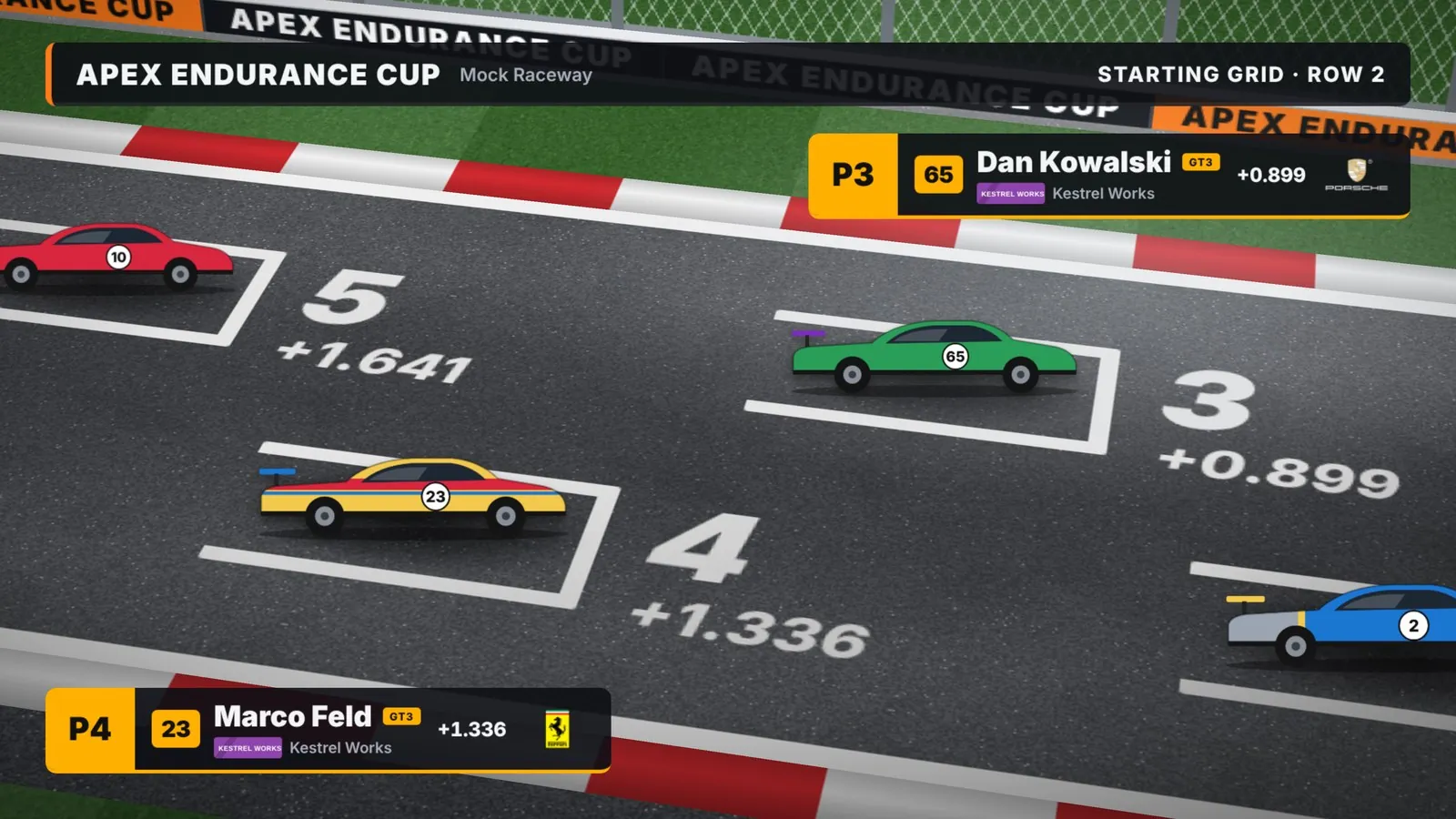
Open the show with a grid walk, then put the championship, calendar or results on screen full size.
Championships, done for you
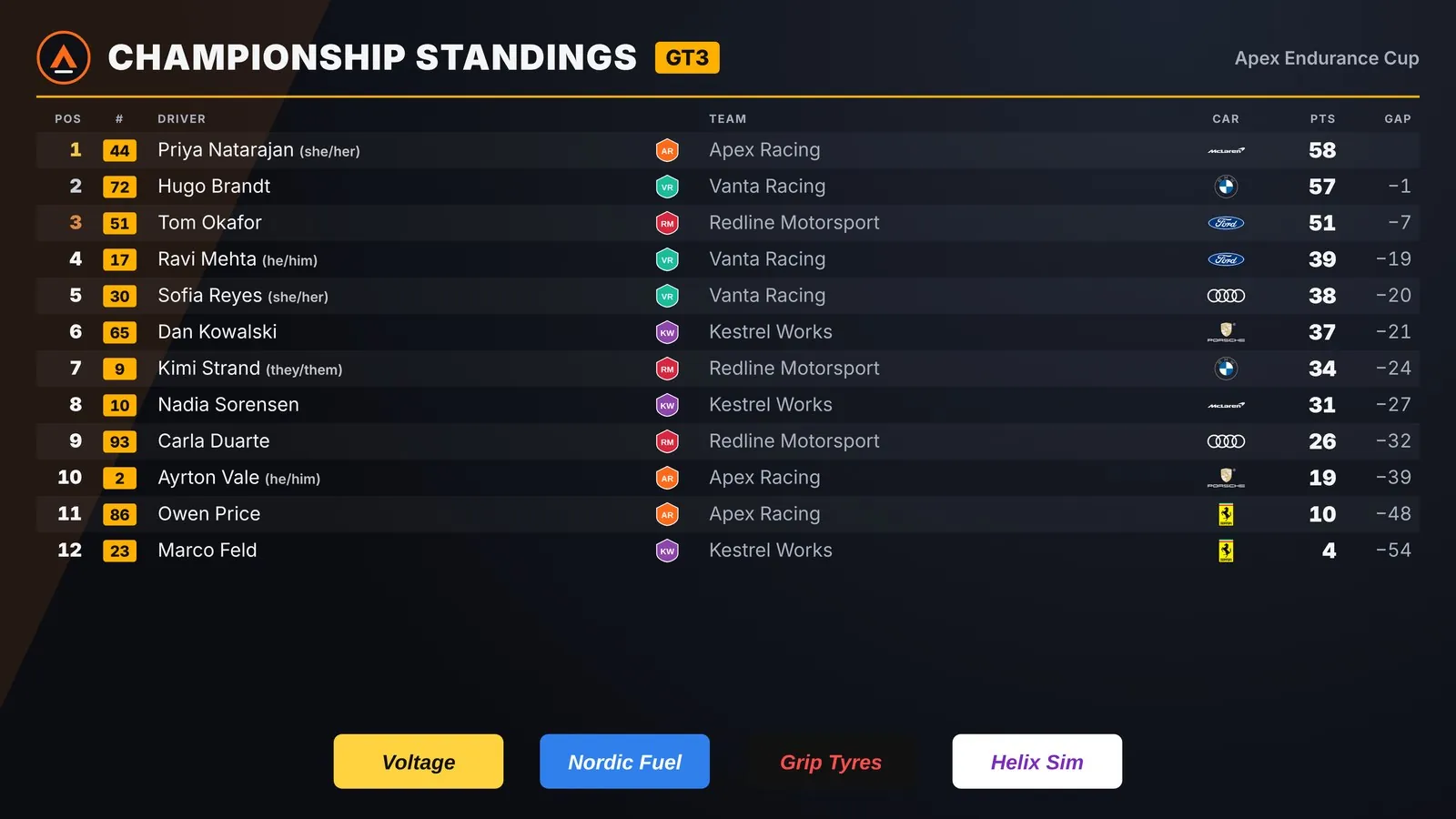
Points, bonuses, drop rounds, class and team titles, and penalties, all calculated as the race runs.
The whole production desk
Everything race night needs
Race control
Send penalties and messages to iRacing as admin, without leaving the panel.
Two voices, one camera
Dual commentary mode lets two commentators work the same race on one camera feed.
Live timing for your fans
Publish a public live timing page with leaderboard, driver tracker, head-to-head and track map, so viewers can follow along on their phones.
Leagues, teams and classes
Builders for your league, teams and car classes, so names, colours and logos are right on every graphic.
Qualifying lap tracker
Follow flying laps and the provisional order as qualifying runs.
Works where you work
Open the control panel in its own window, in your browser, or as an OBS dock.
Try it first
Demo mode
Demo mode runs a full race without iRacing, so you can set up your graphics before race night.
After installing, open the Apex Commentator (demo mode) shortcut in the Start menu. With the portable build, run ApexCommentator.exe --mock.
Questions
Which sims does it support?
iRacing today. Le Mans Ultimate support is planned for the future, so leagues racing there can use it too.
Do I need OBS?
The graphics are web pages, so any streaming software with a browser source works. OBS is what most leagues use, and the control panel can sit inside it as a dock.
Does it use my Apex Overlays track maps?
Yes. Commentator reuses track maps recorded by Apex Overlays, and team files import across both apps.
Windows says it protected my PC. Is that normal?
Yes. The installer isn't code-signed yet, so Windows SmartScreen shows a warning the first time. Choose More info, then Run anyway. You can check every release on GitHub.
Do I need a licence key?
Not during early access: the app works without one. You can get a free Early Access key now by signing in with Discord. It works in both Apex apps, and paid plans will upgrade the same key later.
Free during early access
Installer or portable build, and it keeps itself up to date.